With the March update came Regional Transfers, which means we can move our characters between servers. Unlike server transfers in the past, this service is free and has only a 24 hour cooldown. So, you can use this to pop into higher population servers for PVP artifact unlocks, or head to a lower population server for peaceful farming. I recently moved an alt to Valhalla and back and found the process quite painless, so wanted to share it with anyone who still isn’t sure how it works.
Contents
Getting ready to move
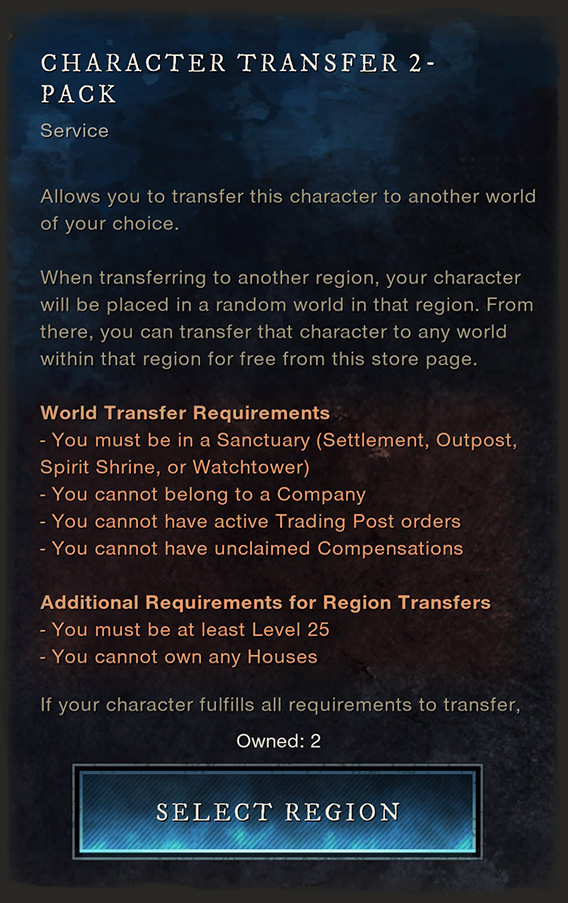
Before the region transfer will work, you need to meet some conditions. You can see what these are in-game by going to the Store and selecting Services > Character Transfer.
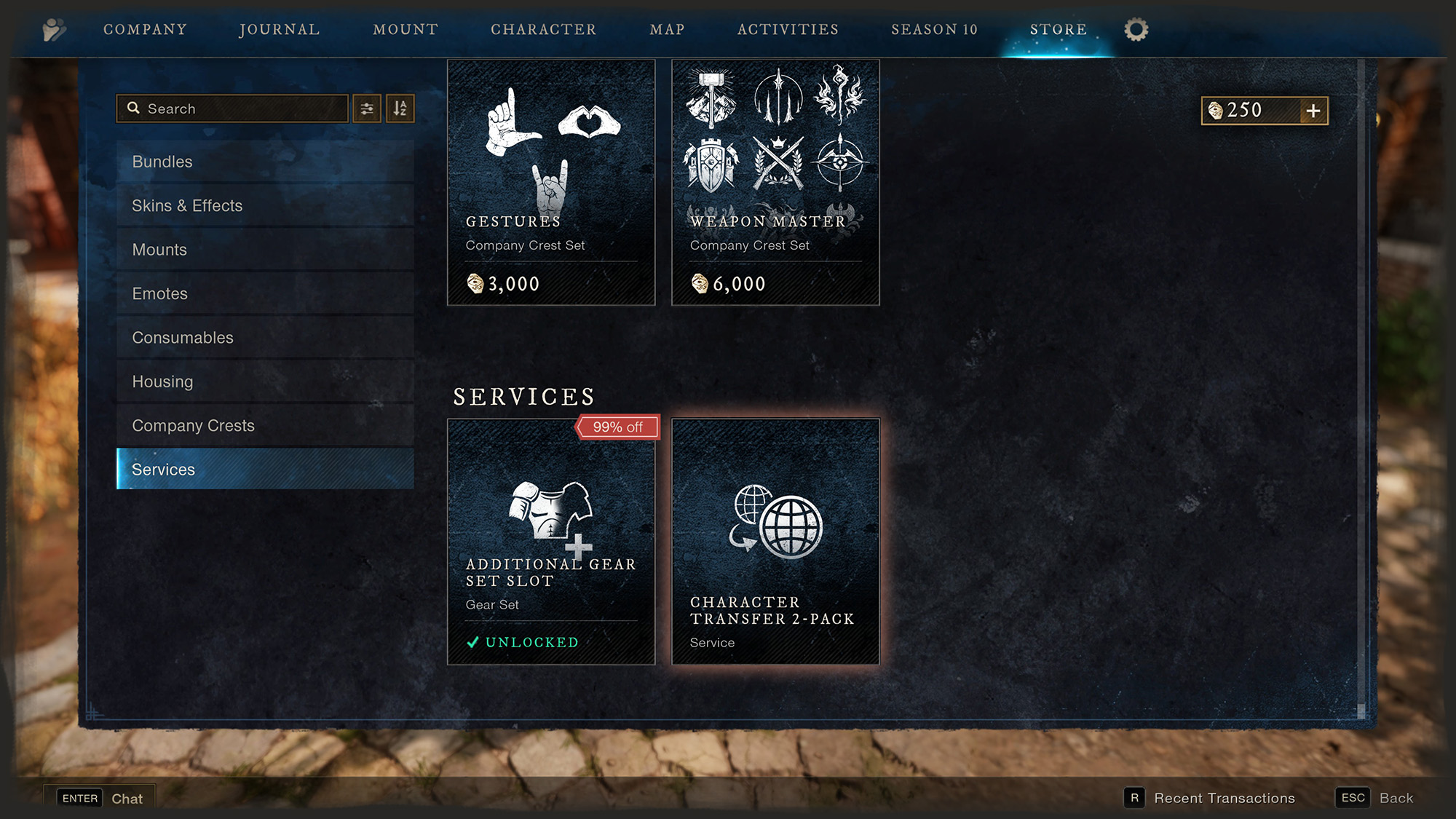
Open the Store
Press ESC and select Store from the top menu. Scroll down to Services at the bottom, and select Character Transfer 2-pack.
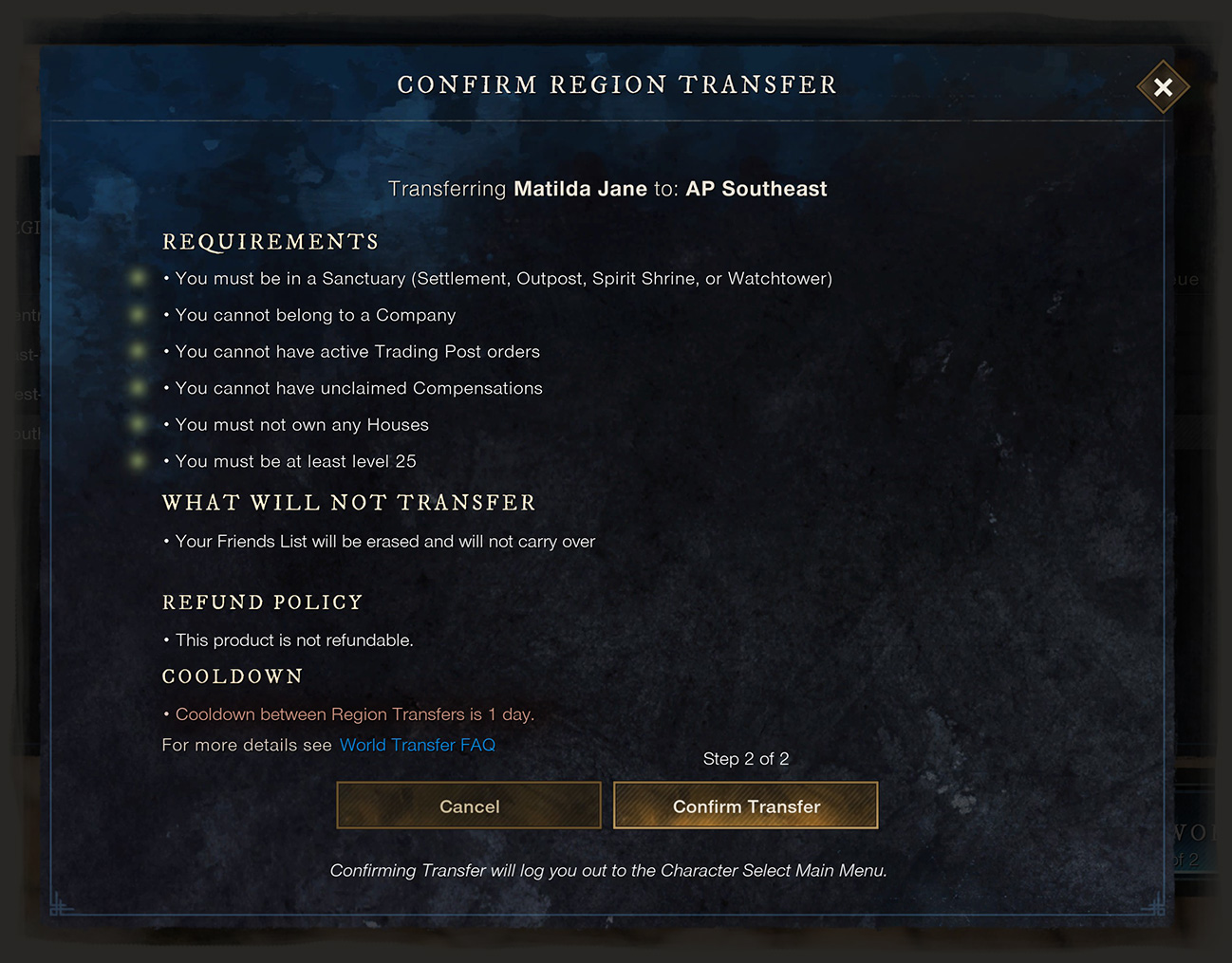
Requirements
First of all, your character needs to be level 25 before it can be transferred. Lower level than that is easy enough to fresh start on the other server.
Then, do the following:
Head to a Sanctuary – Settlement, Outpost, Spirit Shrine or Watchtower – basically anywhere that you can’t be attacked if you are PVP flagged.
Leave your Company, if you are in one.
Cancel any Trading Post orders – includes buy and sell orders.
Check your Compensations and claim any outstanding.
and …
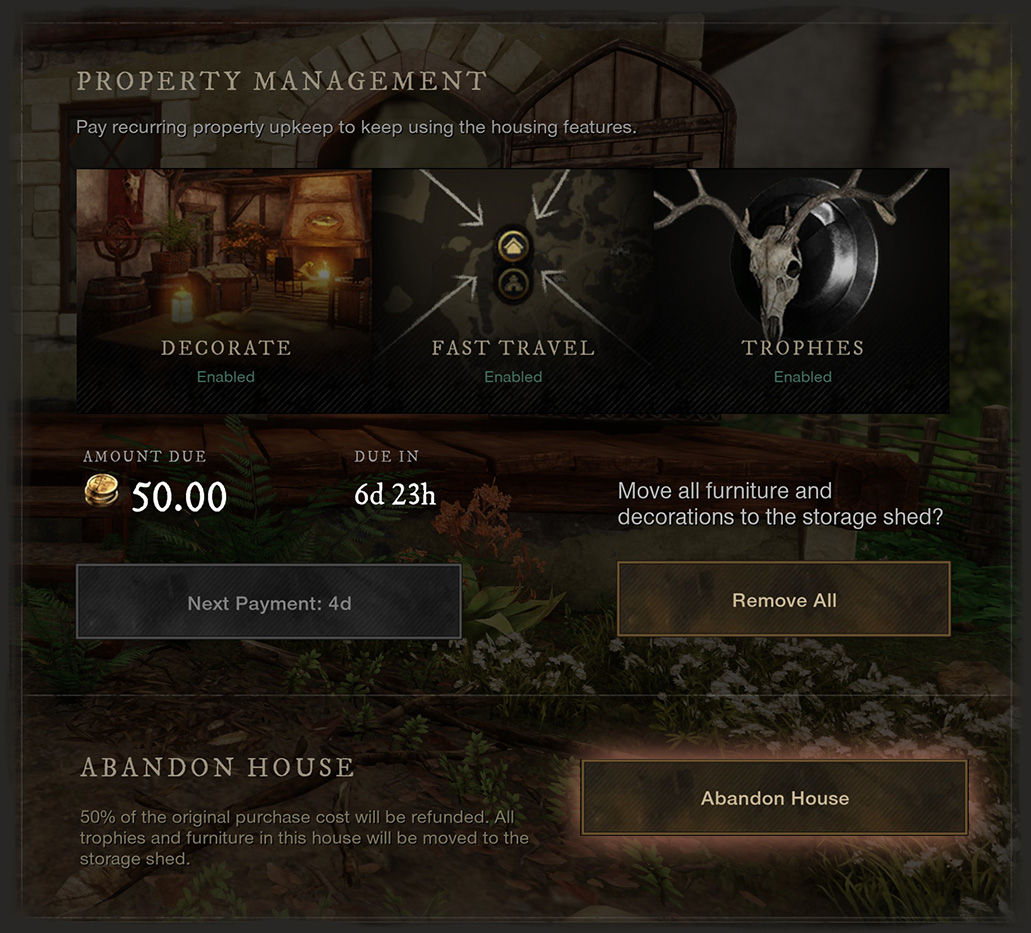
Abandon your houses
This is a deal breaker for my main character and why I’m only transferring alts. If you have decorated your houses, you will lose that work. Maybe I’ll get to the point where I’m happy to redecorate, but for now I’m too attached to my houses to abandon them.
If you’re prepared to give up your houses, you’ll need to travel to each one, press N for the housing menu and choose Abandon. You will get back half of what you paid. That means if you took advantage of the first home discount to get a free house, you won’t get anything back.
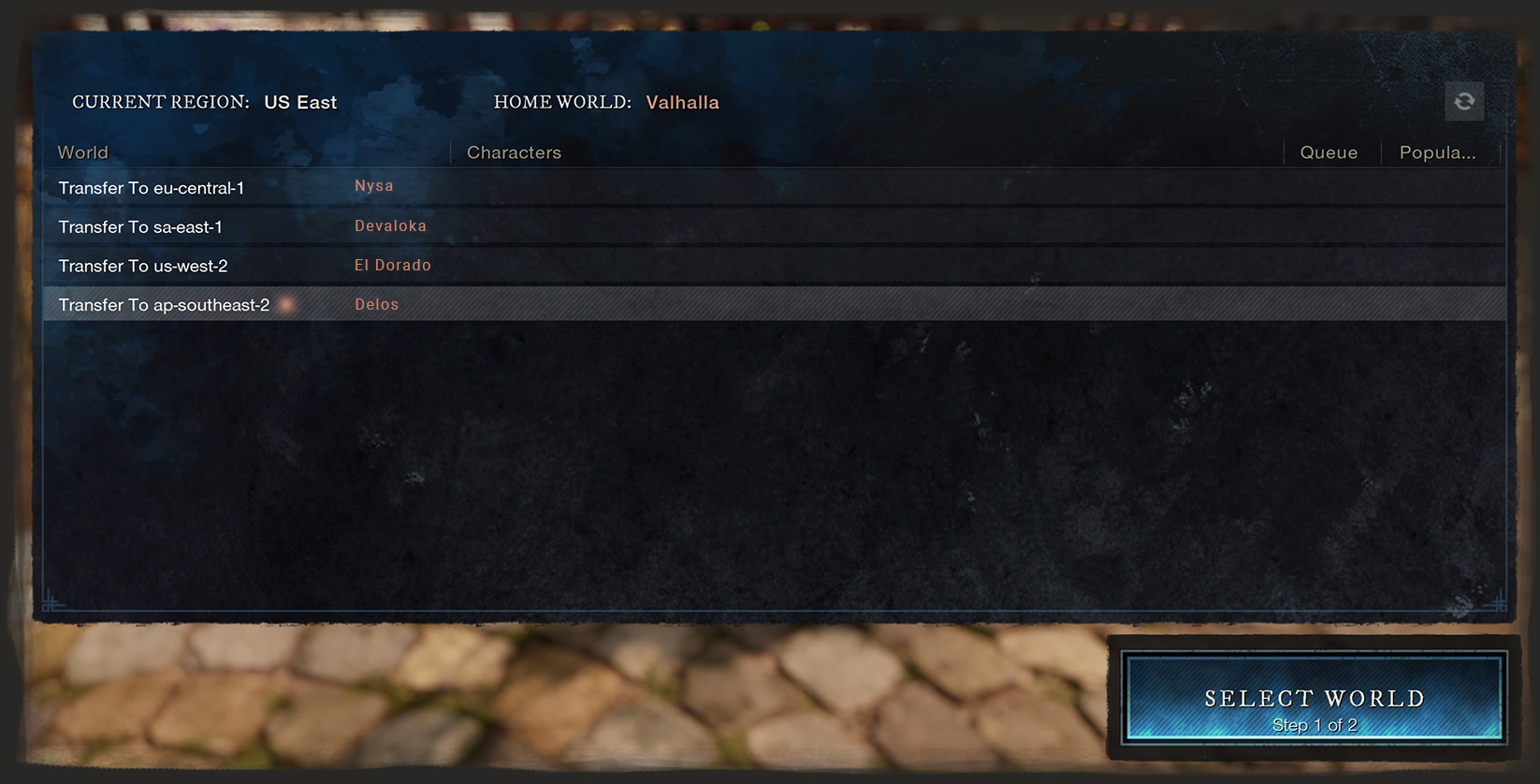
Choose your world
The server names are not very user friendly in this menu but luckily there is only one server in each region. I’ve added the server names in case of confusion. In this example, I’m transferring my character back from Valhalla to Delos (to drop of some shopping for my main character) but you might be going the other way.
Confirmation
This is your last chance to back out. Make sure you read all the details carefully and that you are going where you meant to go. This is probably a good time to mention that when the region transfer was first added, there was a glitch where some characters were unable to be restored on the other side. This appears to be fixed now but, as always, travel at your own risk.
All done
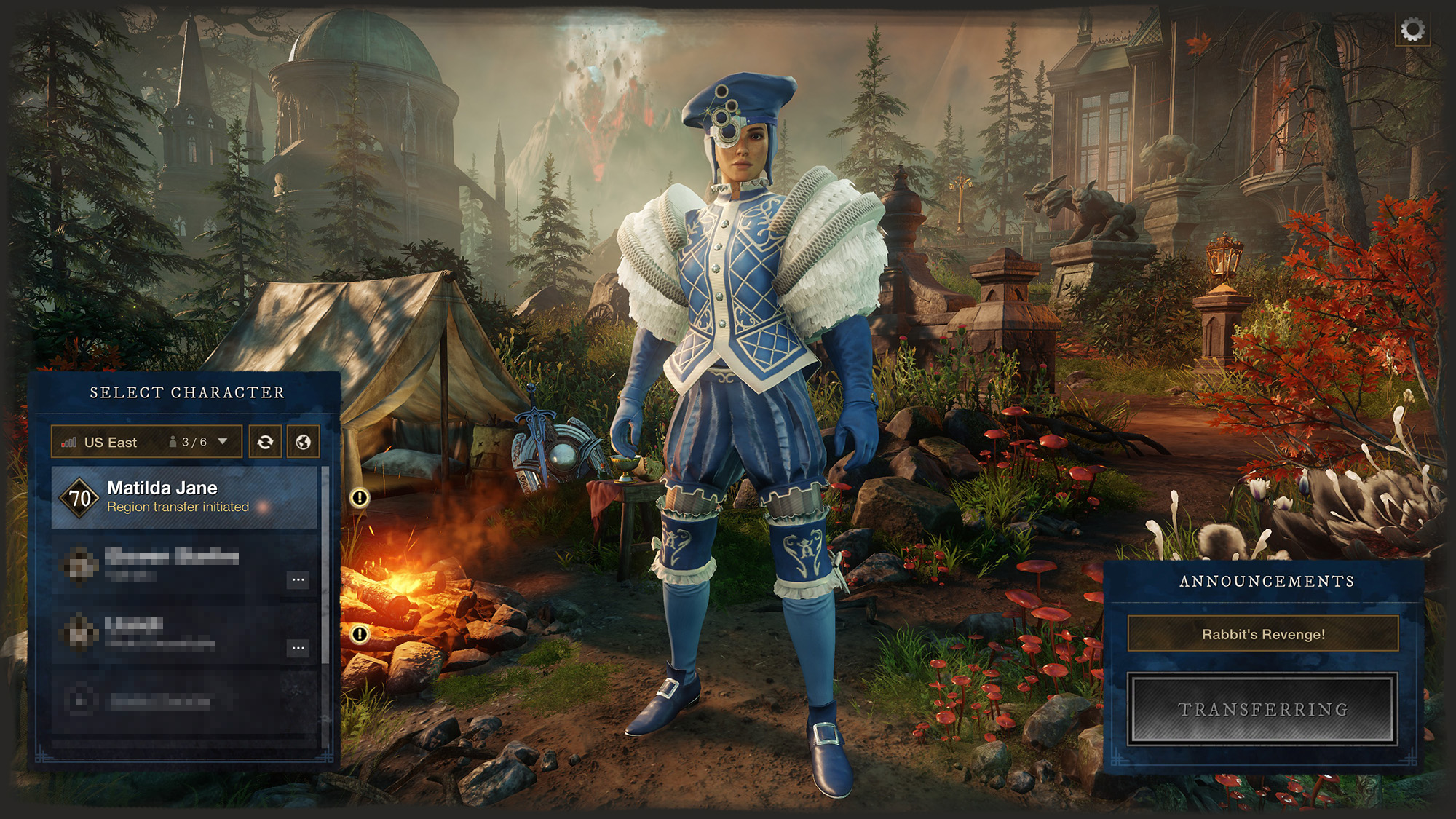
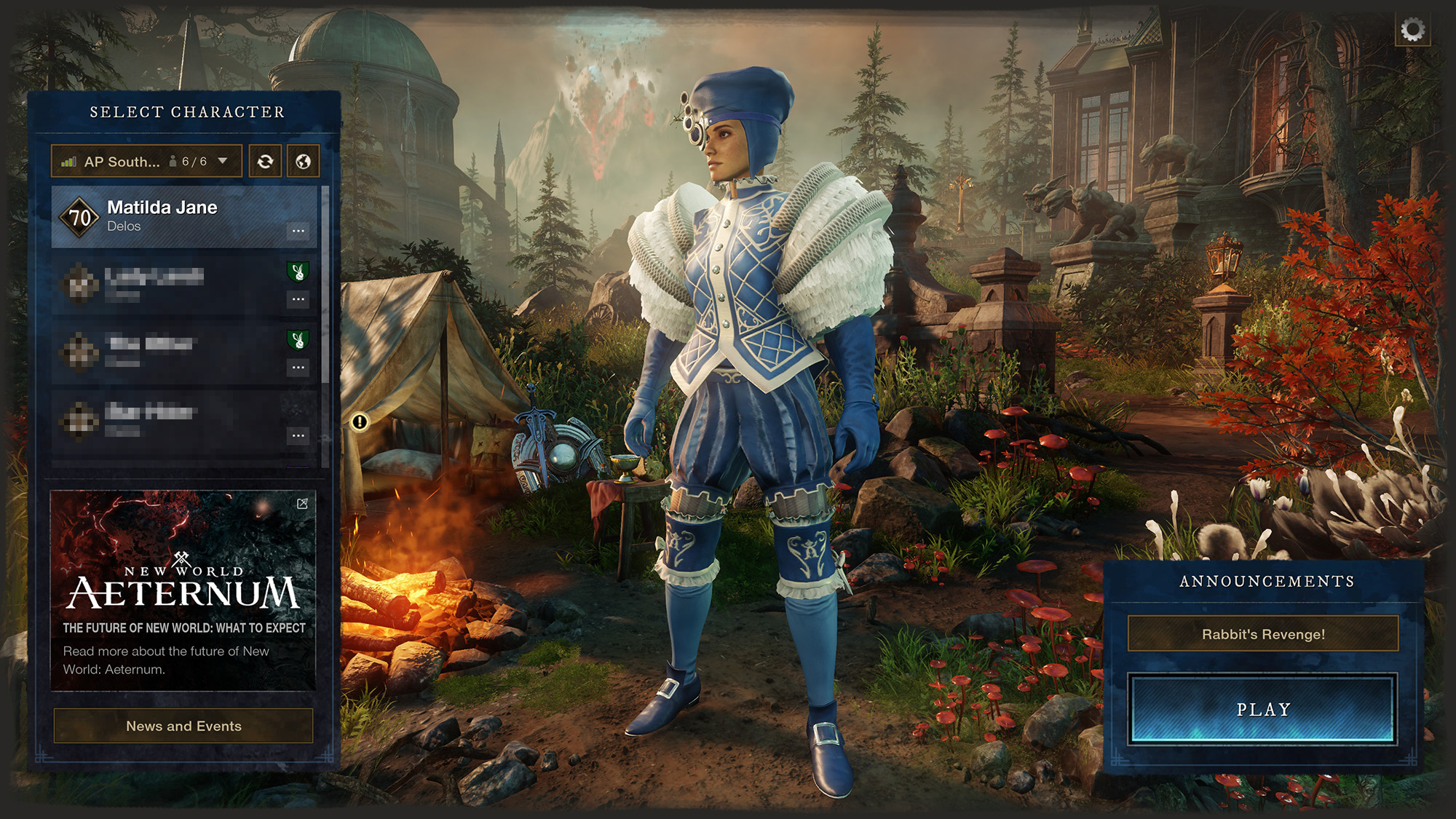
Now you wait. There’s a brief period where your character is preparing to be moved. I’m not sure how long this is because I use the time to log onto another character, but I don’t think it’s very long. Once the transfer is complete, your character will be in a new region. Don’t forget to get new houses and place your chests and trophies if you want their bonuses. If you want to go back, you have to wait 24 hours and then you can transfer again.